
Create a New Business Case
-
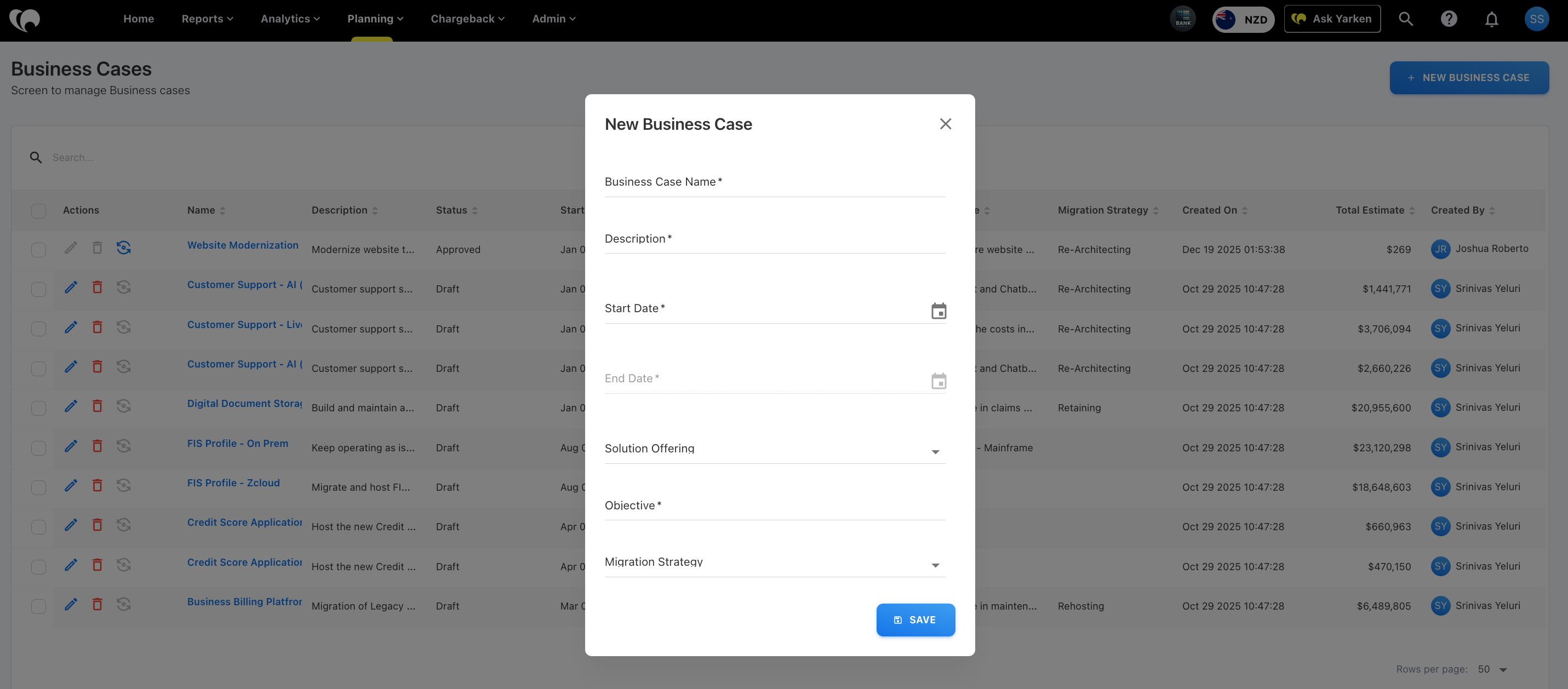
Navigate to Planning → Business Cases.
-
Click + NEW BUSINESS CASE.
-
Enter Business Case information
-
Business Case Name: Name of the initiative
-
Description: Summary of the Business Case
-
Start Date: Planned start date
-
End Date: Planned completion date
-
Solution Offering: Technology or service offering
-
Objective: Expected business outcome
-
Migration Strategy: Planned migration approach
-
-
Click SAVE.
After entering the required information, you will be redirected to the Business Case Details page.
Next step
Related content