
The Bill of IT provides a detailed, consumer-level view of IT costs, showing how Solution spend is ultimately charged to business units, customers, or other consumers.
It summarizes Solution-to-Consumer allocations in a clear, line-item format—helping you understand who is consuming which Solutions, how much they are using, and what that usage costs.
Each row represents a charge line item for a specific Solution Offering and Consumer combination. The Bill of IT is generated automatically once Solution spend is allocated to Consumers.
Bill of IT use cases
You can use the Bill of IT to:
-
Review Consumer-level IT charges
-
Validate Solution-to-Consumer allocation
-
Analyze usage patterns
-
Identify high-cost consumers or services
What spend and usage represents in Bill of IT
-
Spend
Spend represents the total cost allocated to a Consumer from a Solution Offering.
-
Unit Spend
Unit Spend represents the cost per unit of usage for a Solution Offering. It is calculated by dividing the total Solution spend by the total usage defined for that Solution.
When a single Solution Offering is allocated to multiple Consumers, the Unit Spend remains the same for all Consumers.
-
Total Usage
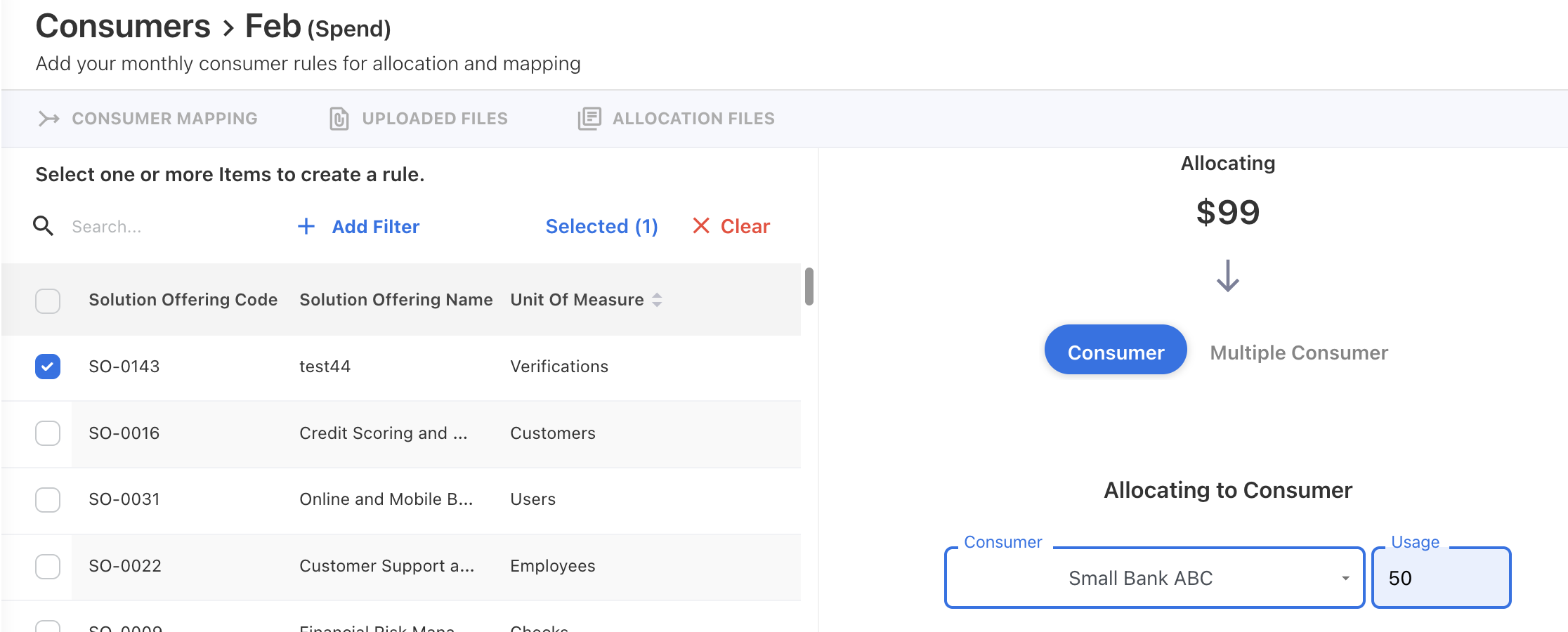
Total Usage represents the total usage defined to the consumer from the solution offering. This value is defined at the Consumer level.
-
Usage
Usage represents the portion of total usage allocated to a specific Consumer during Solution-to-Consumer mapping.
When a Solution Offering is mapped to multiple Consumers:
-
Each Consumer is assigned a Usage value.
-
The sum of all Consumer Usage values equals the Total Usage.
-
Each Consumer’s Spend is calculated using their assigned Usage and the shared Unit Spend.
Other attributes (optional)
The following fields provide additional context and are defined from the Solution Offering master data:
Unit of Measure: Defines how usage is measured (for example, Applications, Transactions, Requests, Tickets, or Flat).
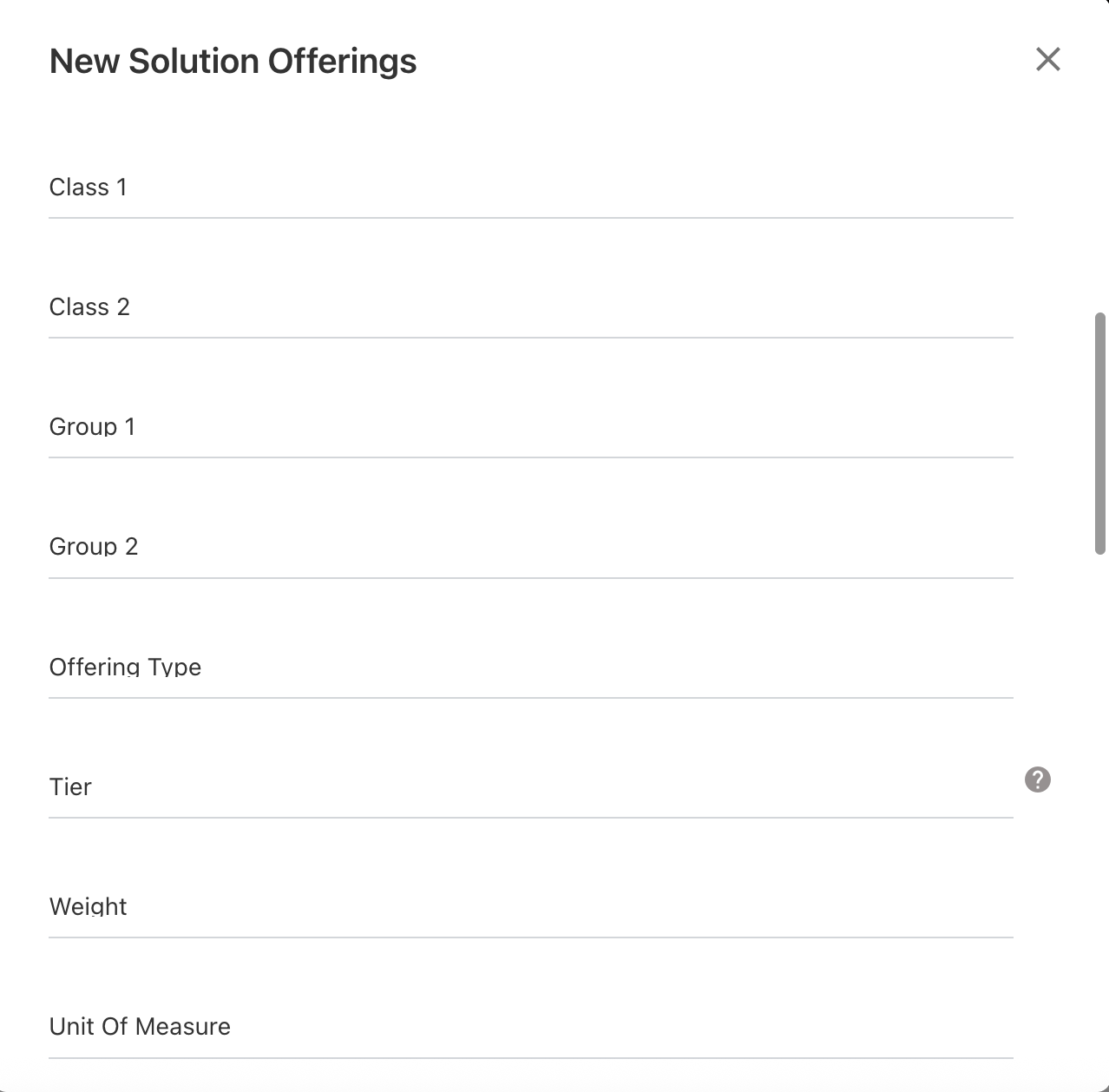
Class 1, Group 1, or Custom strings: These fields are configured in the Solution Offering master data. These attributes do not affect cost calculation but help enrich reporting.
Additional resources: