
Cost Center Budget Owners can work closely with the Budget Process Owner to finalize the budget for a cost center by working on a single source of truth copy of the budget and using the commenting feature to keep each other informed.
Only users with the required cost center access can view and update assigned cost center budgets or forecasts.
Prerequisites
Before you can review or update cost center budgets or forecasts:
-
You must have access to the relevant cost center. For more information on how to assign users to cost center, refer to Cost Center Access.
-
The budget or forecast must be submitted to Budget Contributors.
Review budget or forecast items
-
Go to Planning > Cost Centre Budgets & Forecasts.
-
Select the budgets or forecasts assigned to your cost center.
-
On the details page, review each budget or forecast item.
To view the monthly breakdown, use Show Detailed View.
Edit assigned budget or forecast items
You can edit assigned items when the budget or forecast is still open for contributor updates.
To edit an item:
-
Open the assigned budget or forecast.
-
Locate the item you want to update.
-
Select the Edit action.
-
Update the required values.
-
Add or update assumptions, comments, or monthly values if needed.
-
Select Save.
After saving, the updated values are available for the Budget Process Owner to review after submission.
Add a new budget or forecast item
If your role and workflow status allow it, you can add new line items to the assigned budget or forecast.
To add a new item:
-
Open the assigned budget or forecast.
-
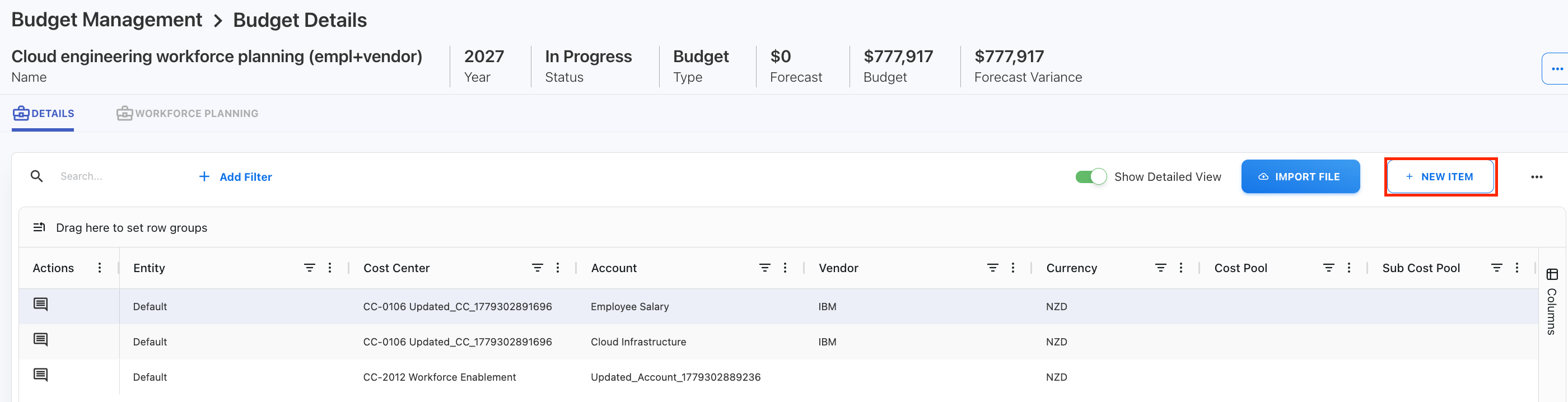
Select + New Item.
-
Enter the required details.
-
Select Save.
The new item is added to the assigned budget or forecast.
Add comments
Use comments to communicate with the Budget Process Owner or other users who can access the cost center budget or forecast.
You can use comments to:
-
Explain changes.
-
Provide assumptions.
-
Ask questions.
-
Respond to review feedback.
-
Record why a value was changed.
Comments help maintain context during the planning review and approval process.
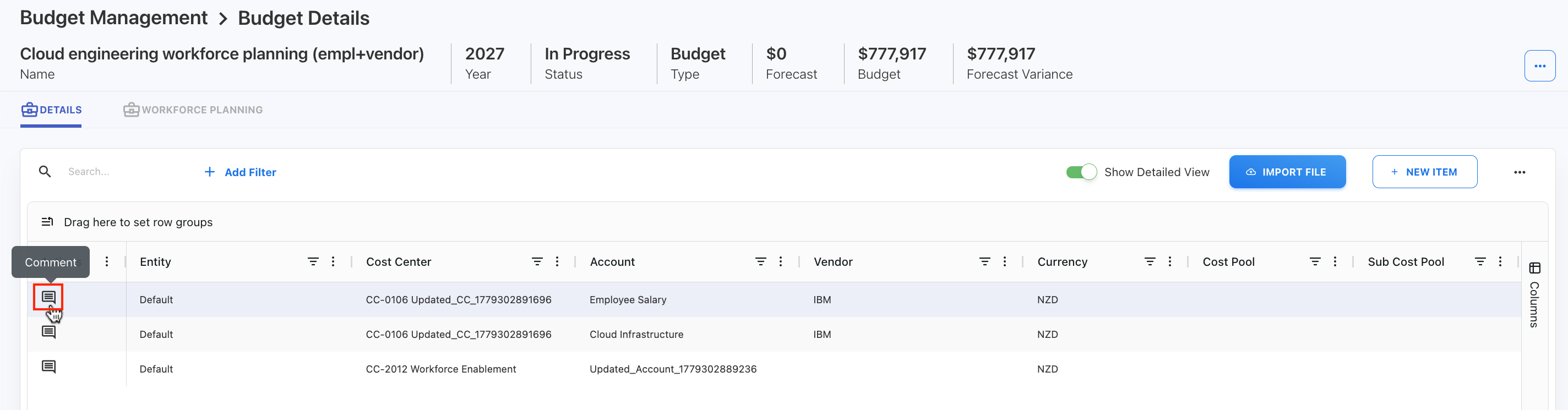
To add comment,
-
Click Comment button under Action column.
Delete an item
You may be able to delete an assigned item depending on the workflow status and permissions.
To delete an item:
-
Open the assigned budget or forecast.
-
Locate the item.
-
Select the Delete action.
-
Confirm the deletion.
Do not delete an item unless it is no longer required for the budget or forecast submission.
Submit budget or forecast for approval
After reviewing and updating all assigned items, submit the budget or forecast back to the Budget Process Owner.
To submit:
-
Open the assigned budget or forecast.
-
Review all item values and comments.
-
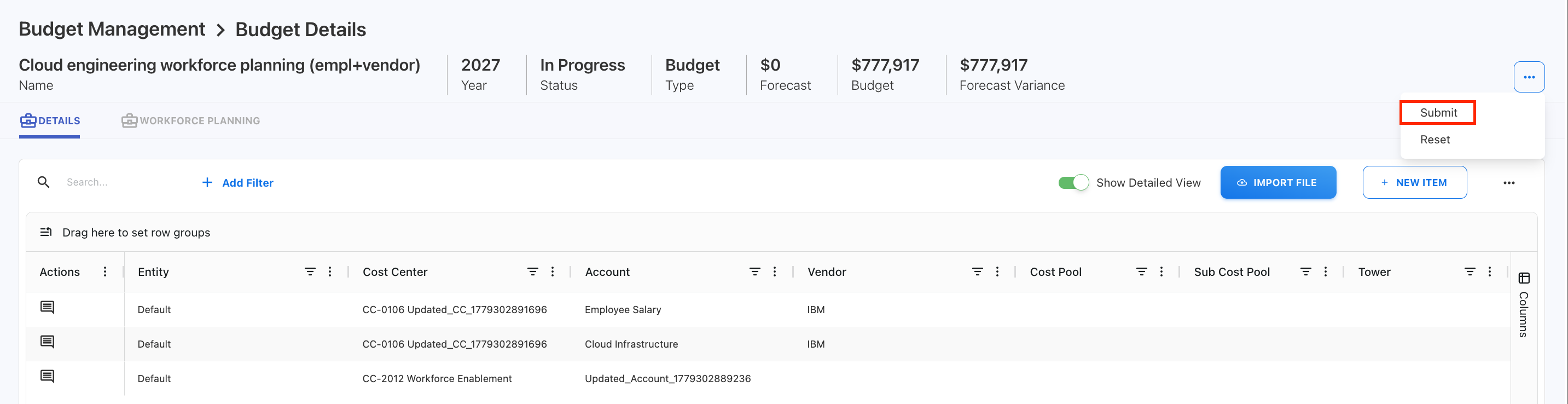
Open the three-dot menu.
-
Select Submit.
-
Confirm the submission.
After submission, the Budget Process Owner can review the requested amount and approve or reject the budget or forecast.
Related content