
What is multi-entity support?
Yarken supports multiple business entities within a single instance. Entities allow organizations to manage spend, planning, and cloud data across different structures—without needing separate environments.
Entities can represent:
-
Legal entities
-
Regions
-
Business units
-
Operating divisions
With entities, you can:
-
Separate financial visibility by organization
-
Control user access by entity
-
Attribute spend and cloud data correctly
-
Filter dashboards and reports by entity
-
Maintain a single Yarken instance across multiple structures
Default entity behavior
Yarken always includes a Default entity, which ensures backward compatibility and supports environments where entity is not explicitly used.
The Default entity:
-
Always exists
-
Cannot be deleted
-
Can be renamed
-
Is used automatically when no entity is provided
Where entity applies
Entities are supported across the platform, including:
-
Spend uploads
-
Budget entries
-
Forecasts
-
Cloud uploads
-
Cloud publish
-
Analytics cubes
-
Global filters
-
Cost Explorer
-
GL transactions
-
Designer and mappings
Entity access
The Admin user manages entity access and assigns access to non-admin users.
For more information on how entity access works, see Entity Access.
Using entities in spend, budgets, and cloud
Entities can be applied across spend, planning, and cloud data to ensure costs are tagged correctly and reported consistently.
Spend uploads
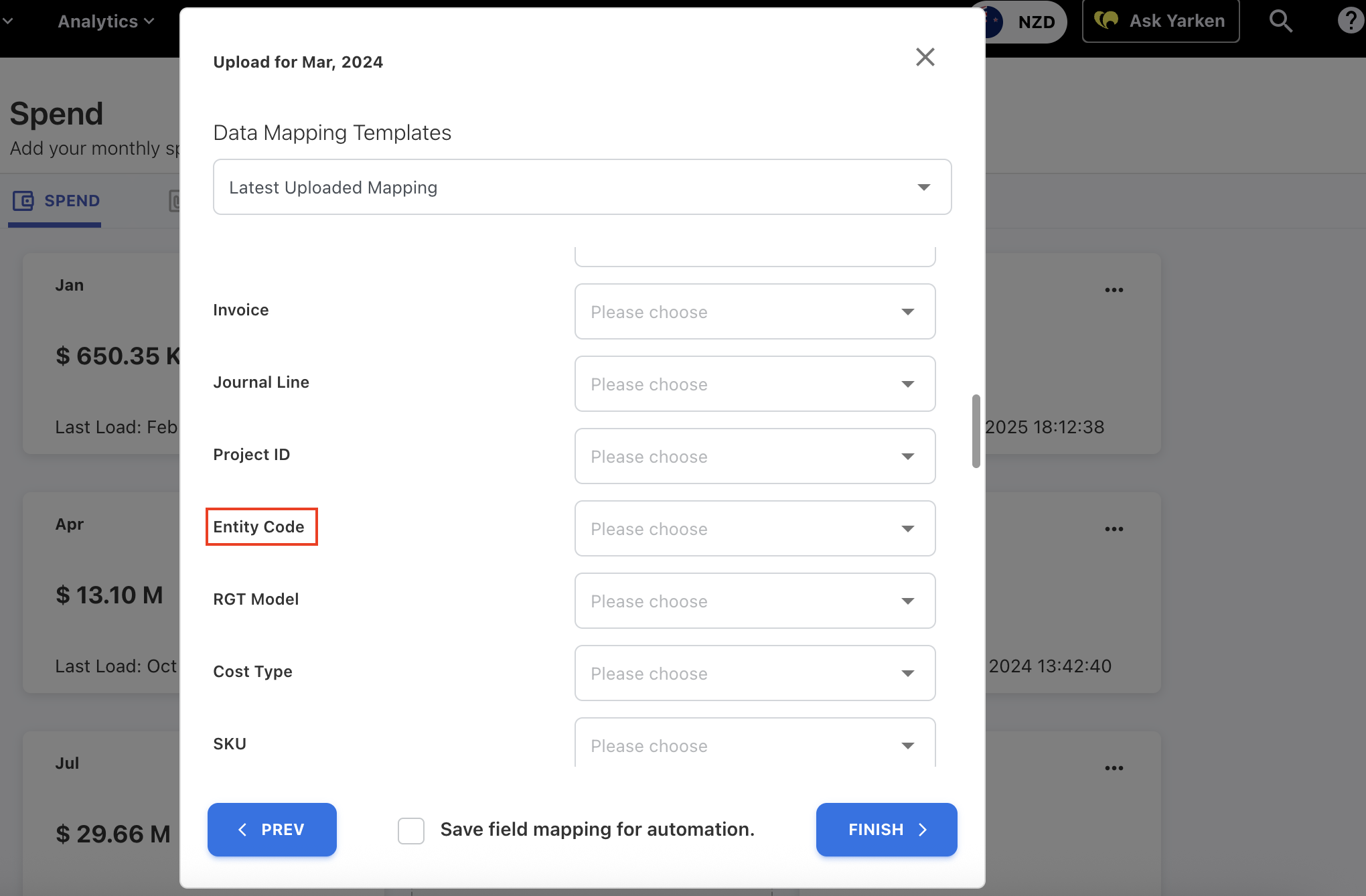
Spend files support an optional Entity Code field. If left blank, application assigns the record to the Default entity.
Budget and forecast entries
Each budget or forecast record is associated with an entity.
Behavior:
-
Planning reports and dashboards respect the user’s entity access.
-
Entity attribution is preserved when budgets and forecasts are submitted.
-
Forecast and budget analysis remains separated by entity where applicable.
Entity assignment during budget/forecast file import:
When importing a budget or forecast file, entity assignment follows this logic:
-
Entity Code provided in the file and matches an existing entity → record is assigned to that entity
-
Entity Code is null or does not match any existing entity → record is automatically assigned to the Default entity
Cloud uploads
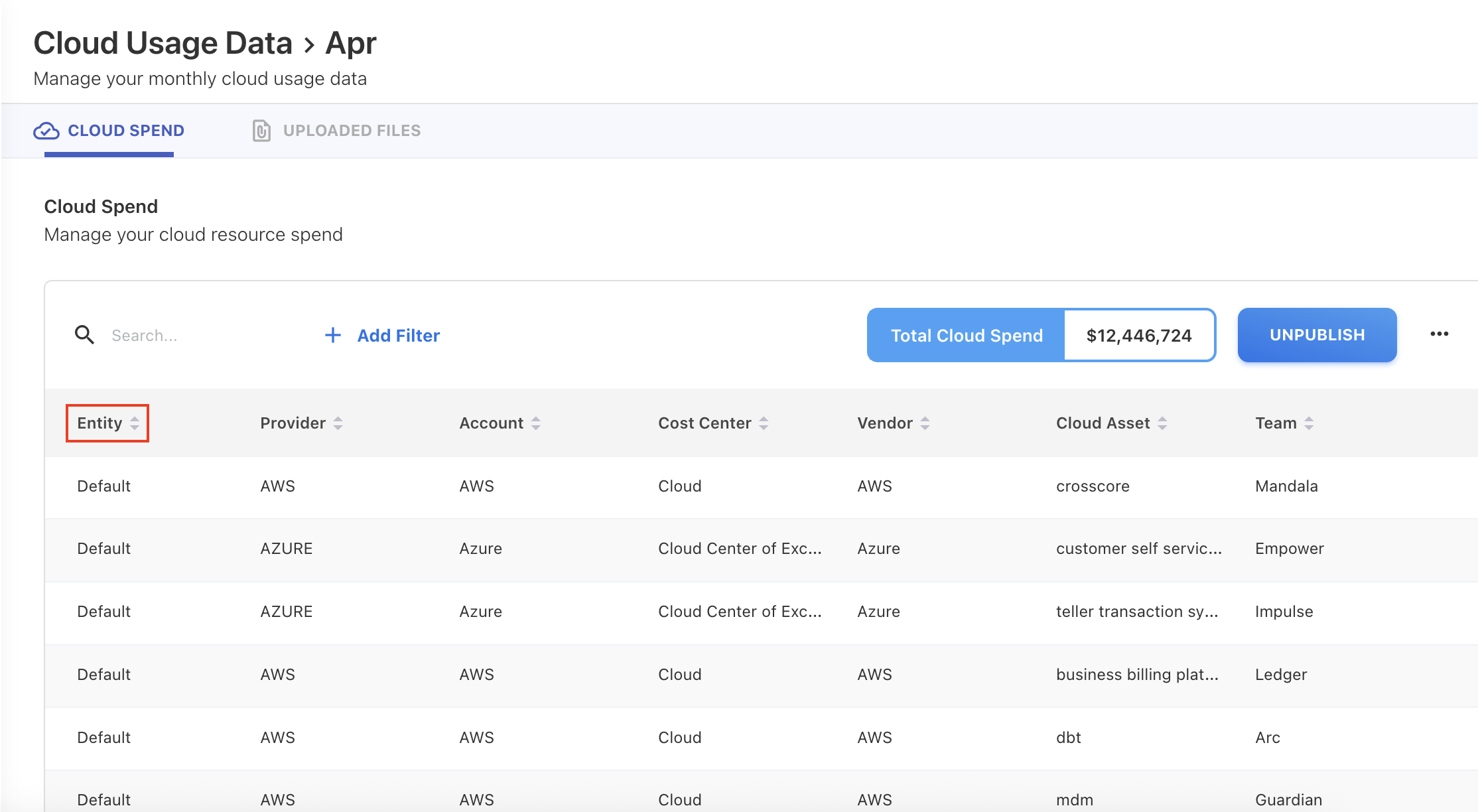
Cloud consumption files support entity tagging.
Entity assignment hierarchy:
-
Entity provided in the upload file
-
Default entity applied (if none provided)
-
Entity overridden by an upload rule (if configured)
Cloud publish
When cloud spend is published:
-
Entity is included in GL record creation.
-
Entity flows through to reporting, dashboards, and accounting outputs.
Allocation rules and Designer
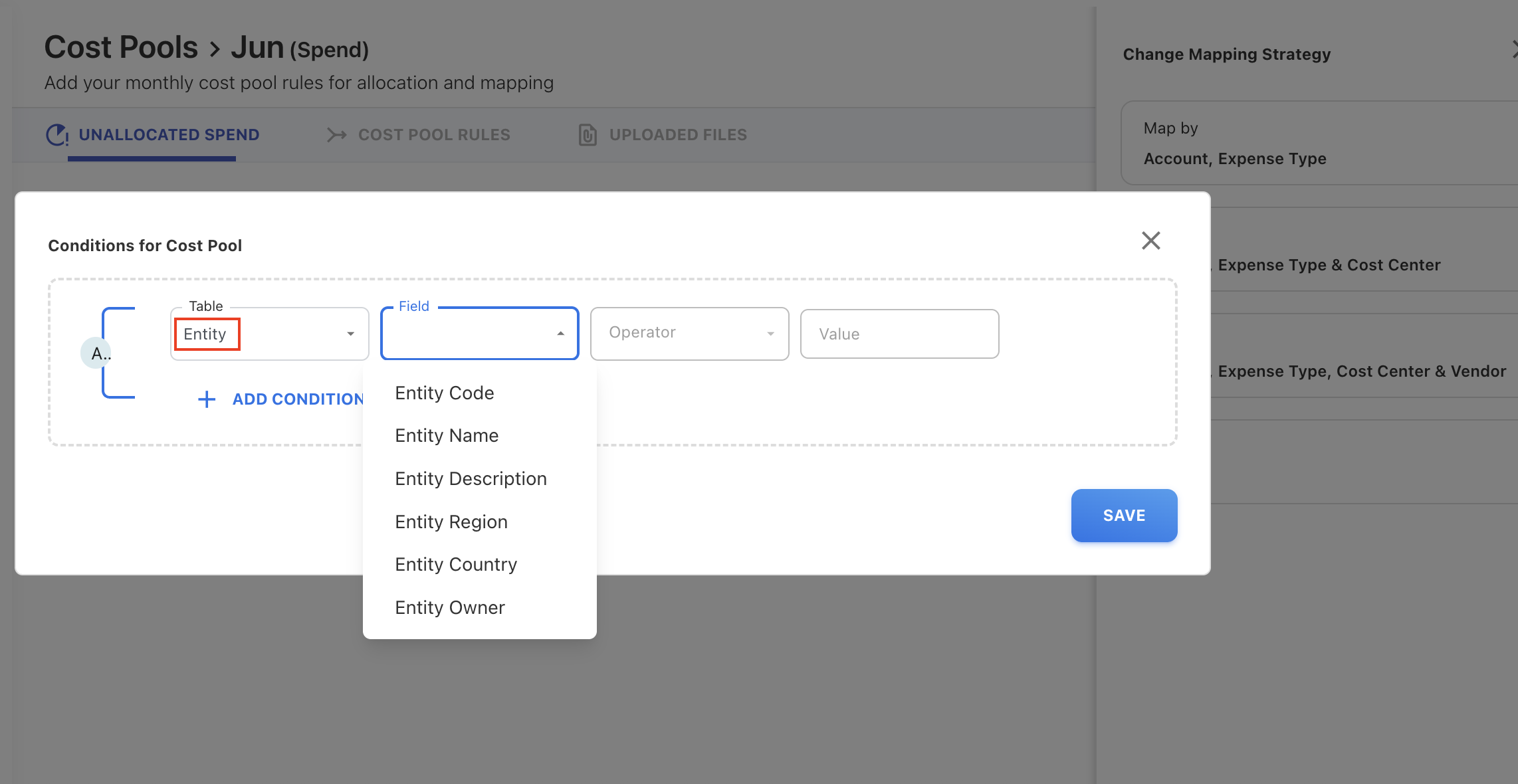
Entity can be used to drive entity-level allocation logic. Entity is not part of the default mapping strategies, but it is available under Any Attribute.
Entity can:
-
Be used in allocation conditions
-
Be used in Designer mappings
-
Drive cost distribution by entity
Entity filters in reporting
Global entity filter
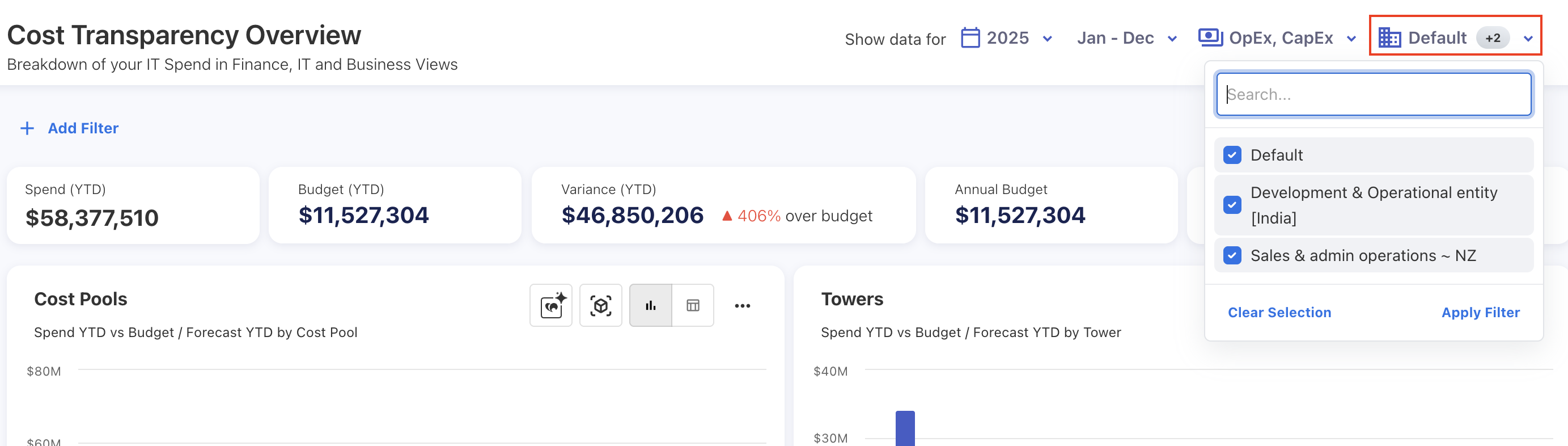
The Entity filter is available across application and allows you to control which entity data is included in dashboards, reports, and analytics views.
Behavior
-
Supports multi-select
-
All entities are selected by default
Reporting defaults
By default, application selects all entities to preserve existing reporting behavior.
To report on a specific entity, you must intentionally refine the filter selection.
Related content