
You can copy model data from one year and model to another model type. This allows you to quickly replicate model configurations without exporting and importing files.
What copy model does
Copying a model:
-
Copies expenses (data)
-
Copies rules and mappings
-
Applies to a target model and year
-
Works between different model type (e.g., Spend → Budget)
-
Copying will overwrite existing data and rules in the target model and year.
-
Copy does not include the upload rules.
Chargeback locked months
If chargeback has been created for a month, that month is locked across all models. Copy Model automatically skips the locked chargeback month to preserve locked data. Skipped months are recorded in Background Processes.
Copy model data
Before copying a model, ensure that the target model contains the same assets as the source model. If required assets are missing or do not match, the copy operation may fail because model rules, mappings, and relationships depend on those assets. To prevent this, copy the required assets first using the Copy From or Copy To asset functionality before starting the Copy Model operation.
To copy,
-
Open Yarken Designer and select the desired year.
-
Under Models, select the target model.
-
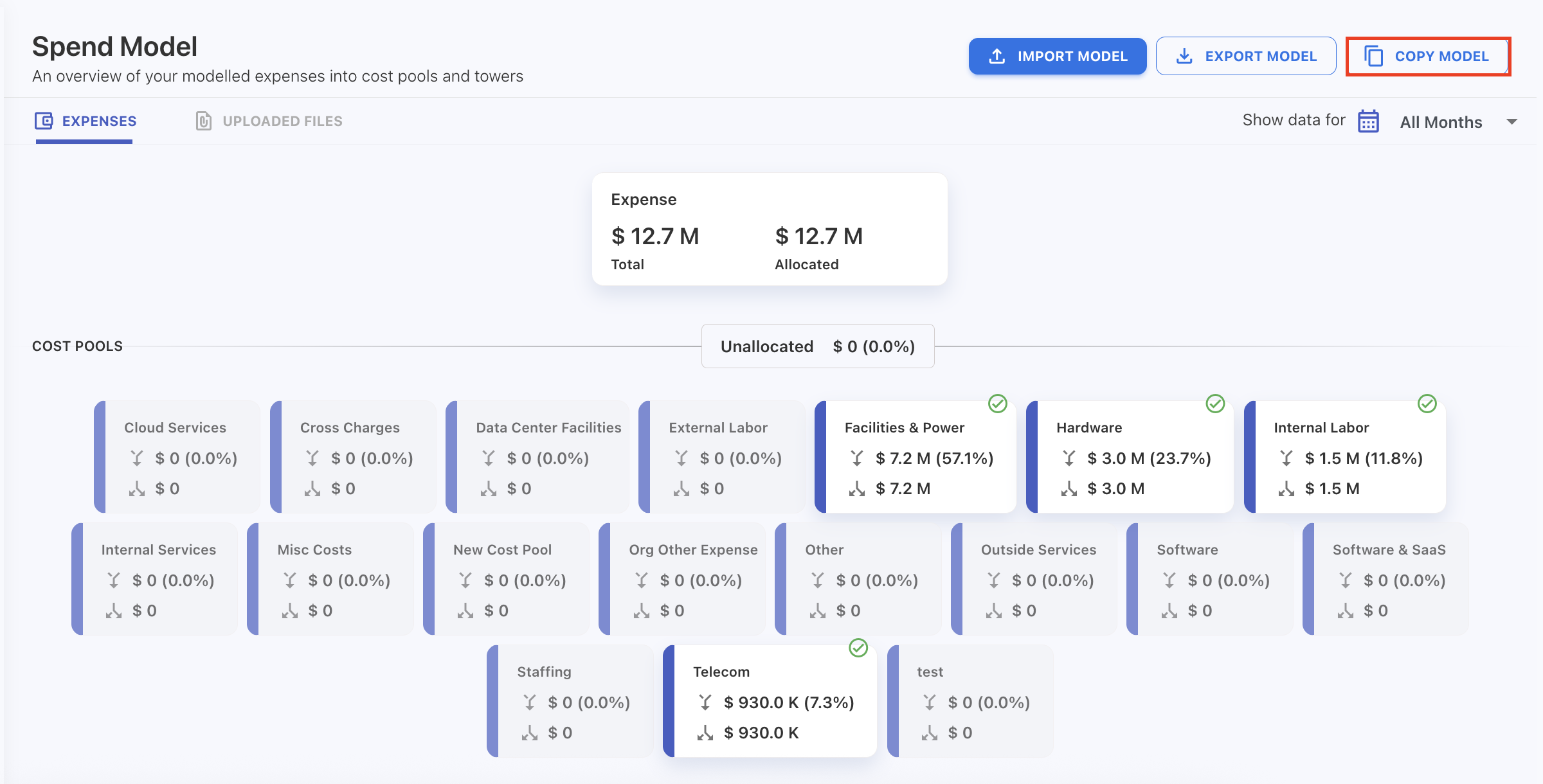
On the upper-right corner, click Copy Model.
-
In the popup:
-
Select the source year.
-
Select the source model.
-
-
Click Copy.
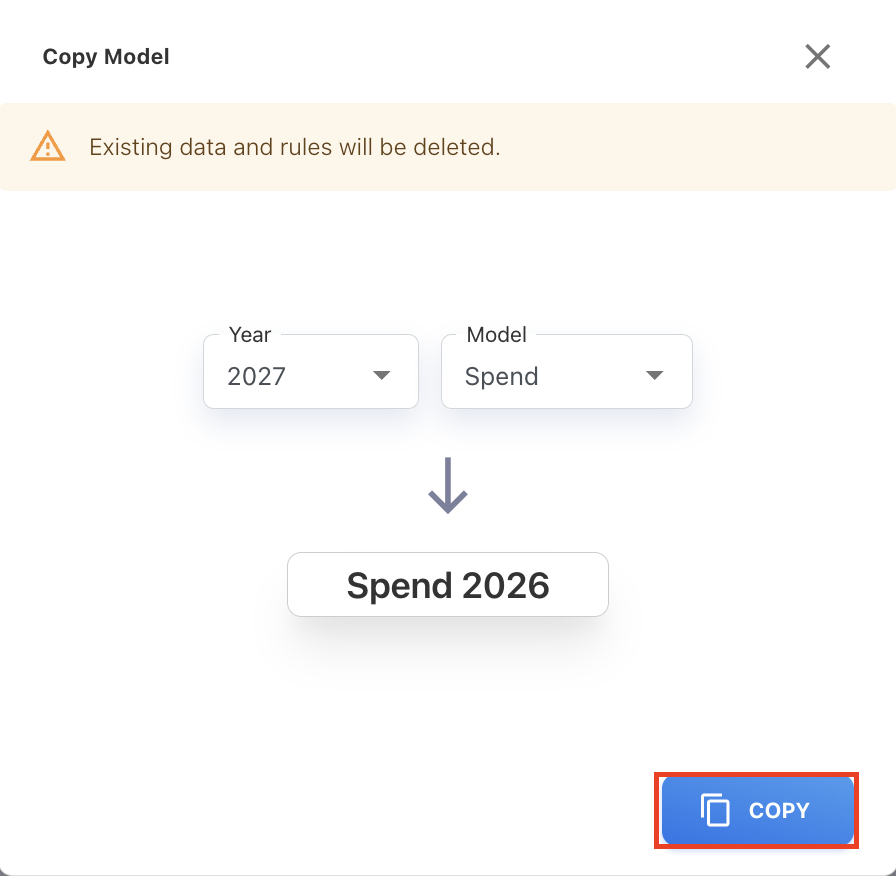
The data is copied into the selected target.
When to use copy vs import/export
Use Copy Model when:
-
Copying data within the same environment
-
Moving data between years quickly
-
Reusing an existing model setup
Use Export/Import when:
-
Moving data between environments
-
Creating backups
-
Sharing model configurations
Related content